Everything CopyNotes does
A deliberately small notes app: just enough to write, organize, find and copy.
Try it now, no account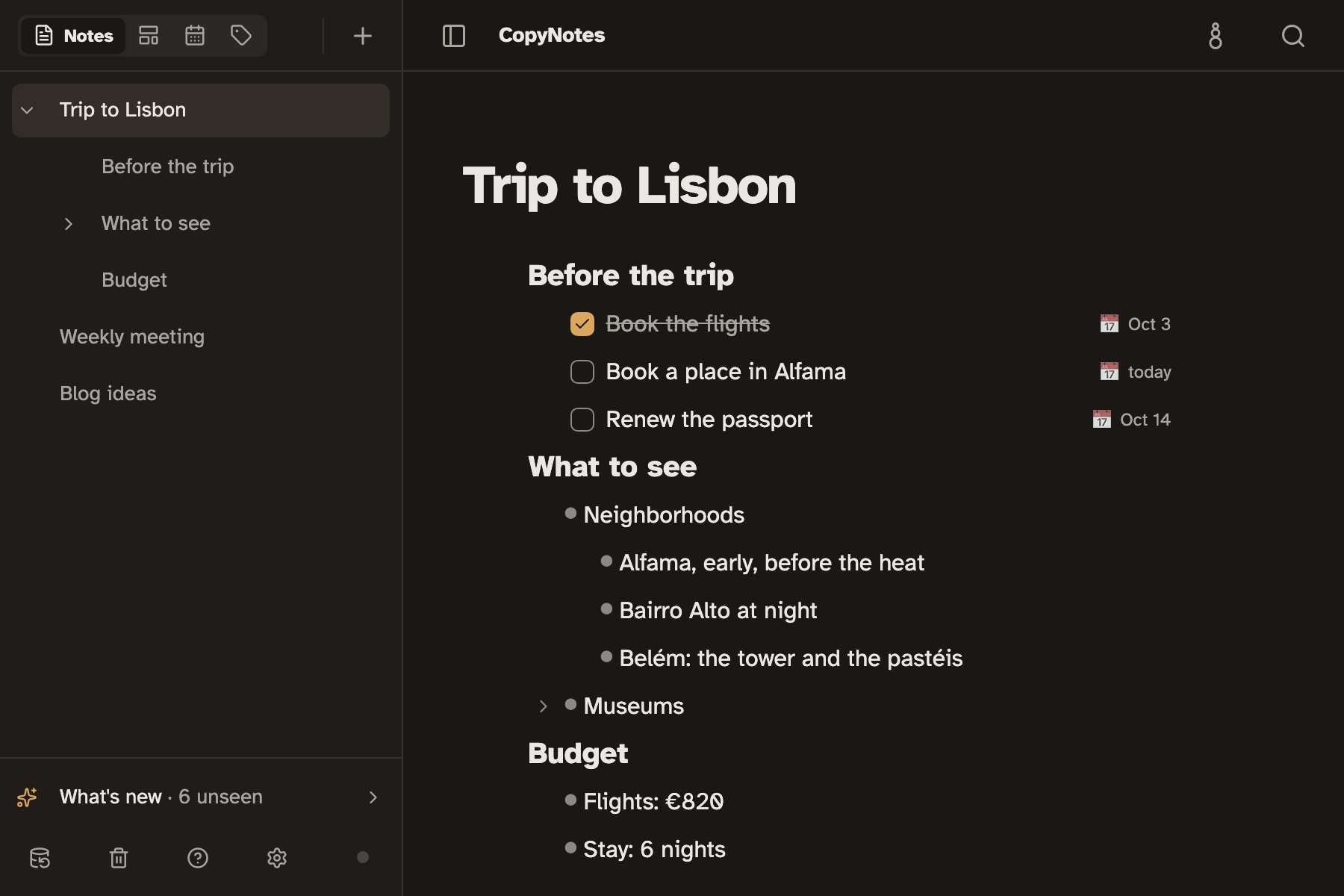
The features
Tasks with dates and a Calendar
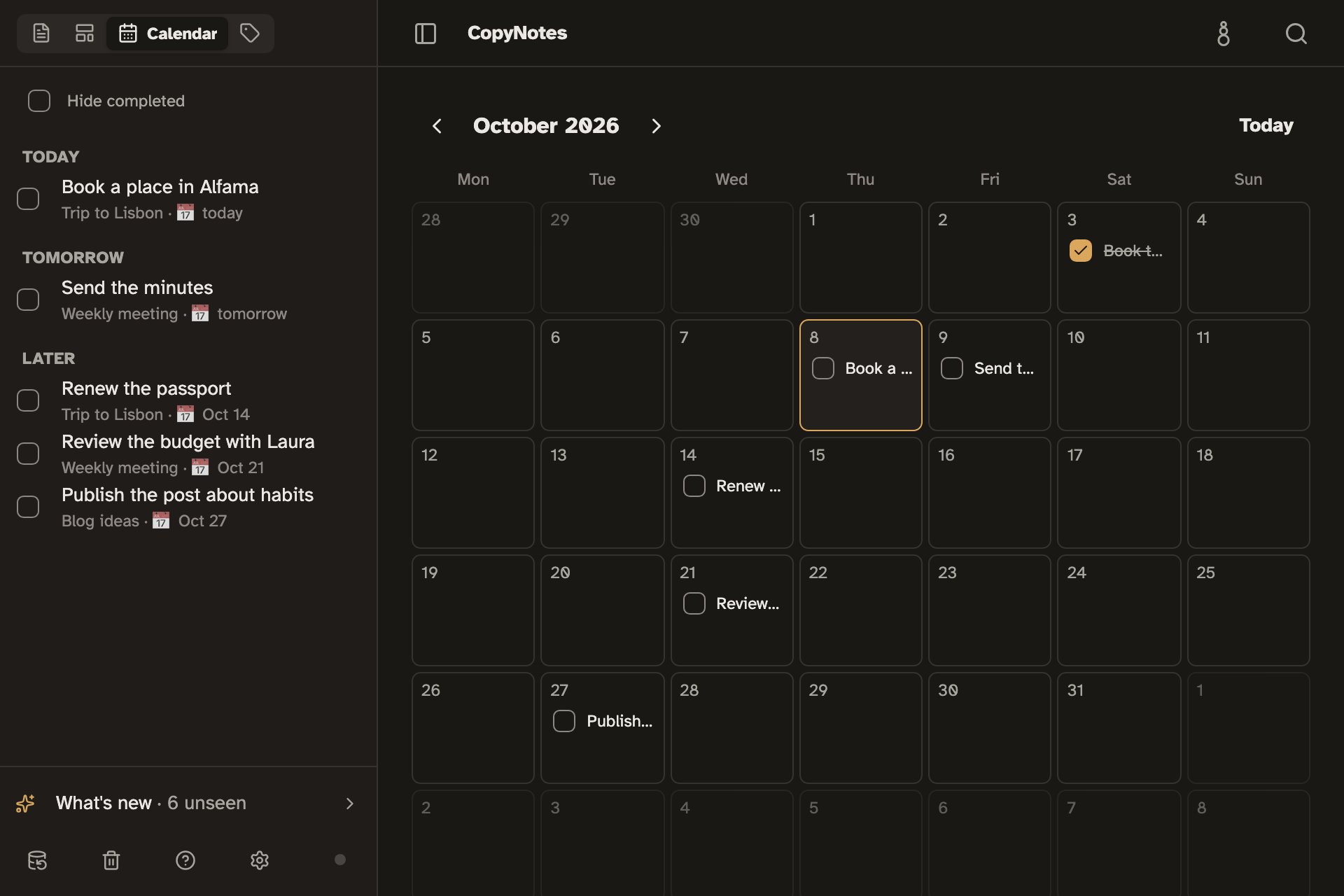
Turn a line into a task, give it a date, and it shows up in the Calendar with the rest.
Lines inside lines
Indent, collapse a section, and zoom into a line as if it were a separate note.
Tags and search
Colored tags on notes and lines, and a search that looks through every note at once.
Templates
Save a template once and paste it whole whenever you need it: a packing list, a meeting, an order.
Screenshots
Paste a screenshot from the clipboard and it stays in the note, with its description.
Linked notes
Link a note to another, or to a line in another, and each note shows who mentions it.
Take everything with you
Export a note, a folder or all of them to Markdown, and download a full backup in a single file.
Opens instantly, even offline
Your notes live on your device. CopyNotes opens right away and works the same on a plane or on a subway with no signal.
What it leaves out, on purpose
No databases, no boards and no built-in AI assistant: what you don't need for writing isn't there.
Frequently asked questions
Is it free?
Yes. Writing and organizing notes on your device is free and needs no account.
Do I need an account?
No. CopyNotes works fully without an account. You only need one to keep the same notes on several devices, and that sync is in beta and enabled by invitation.
Does it work on my phone?
Yes, in your phone's or tablet's browser. You can also install it from the browser, with its own icon, like any other app.
Everything CopyNotes does
Try it now, no account